
Odoo expenses
A photo of the receipt, an approval, a refund.
Expenses captured from a receipt, approved by managers and reimbursed paper-free.
What the Expenses app does.
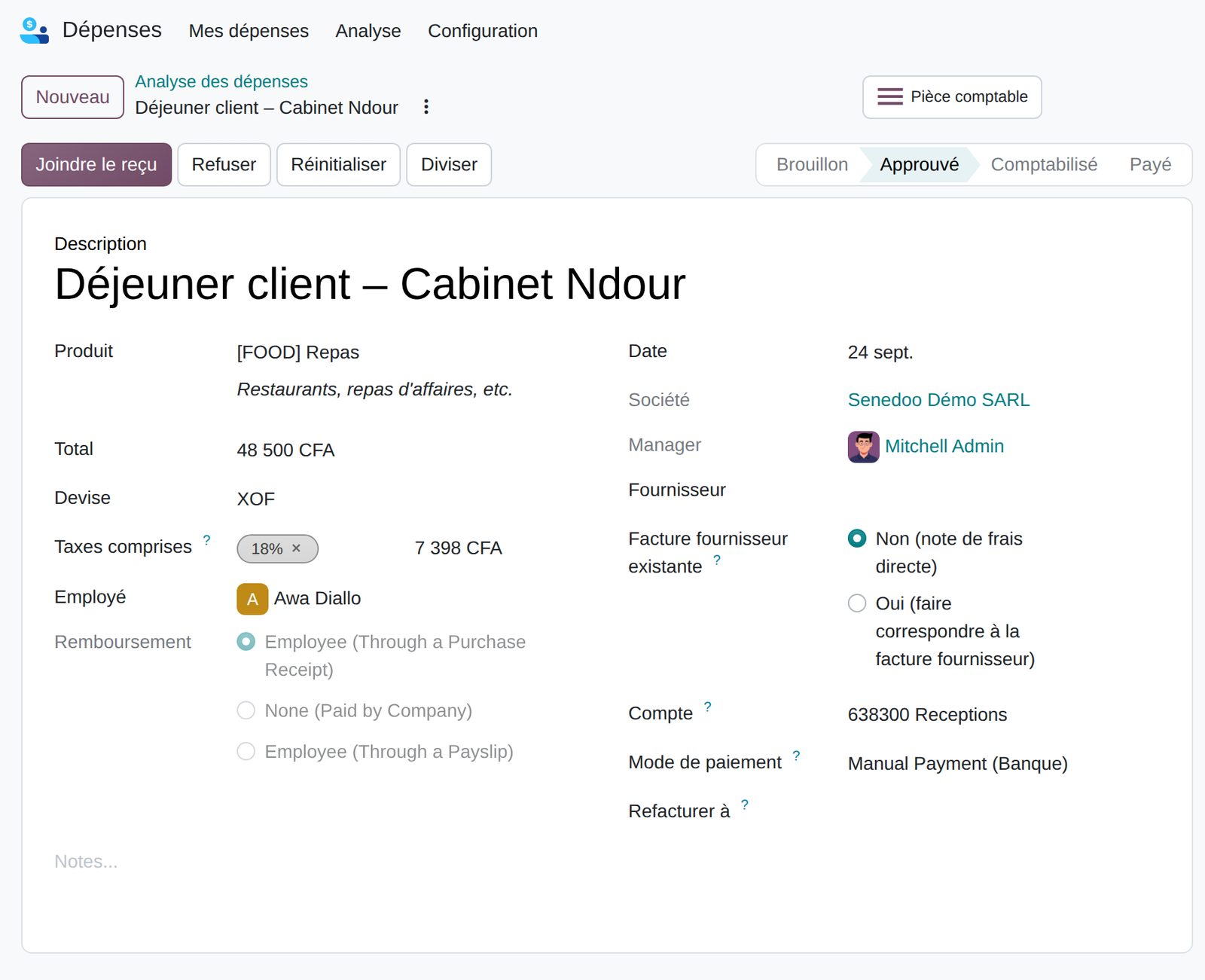
Upload or drag a receipt: the expense is created and pre-filled automatically.
Send the receipt to the dedicated address with the reference and amount as subject.
Categories with default accounts and taxes, free amounts or flat rates per kilometer and per diem.
Assign each expense to one or more projects or departments, by percentage.
Managers approve in bulk or refuse with a mandatory reason, with discussions kept in the history.
Approved expenses are posted to accounting individually or in batches.
Reimbursed by transfer, check, cash or directly on the next payslip.
Expenses linked to a sales order and re-invoiced at cost or at sales price.
What Senedoo adds.
Apps that work with Expenses.
All Odoo accounting apps
Accounting kept by your operations.
An Odoo-certified consultant sets up your OHADA chart of accounts, migrates your history and installs the Senegalese returns.