Odoo Invoicing
From the paid quote to the matched invoice, without re-keying.
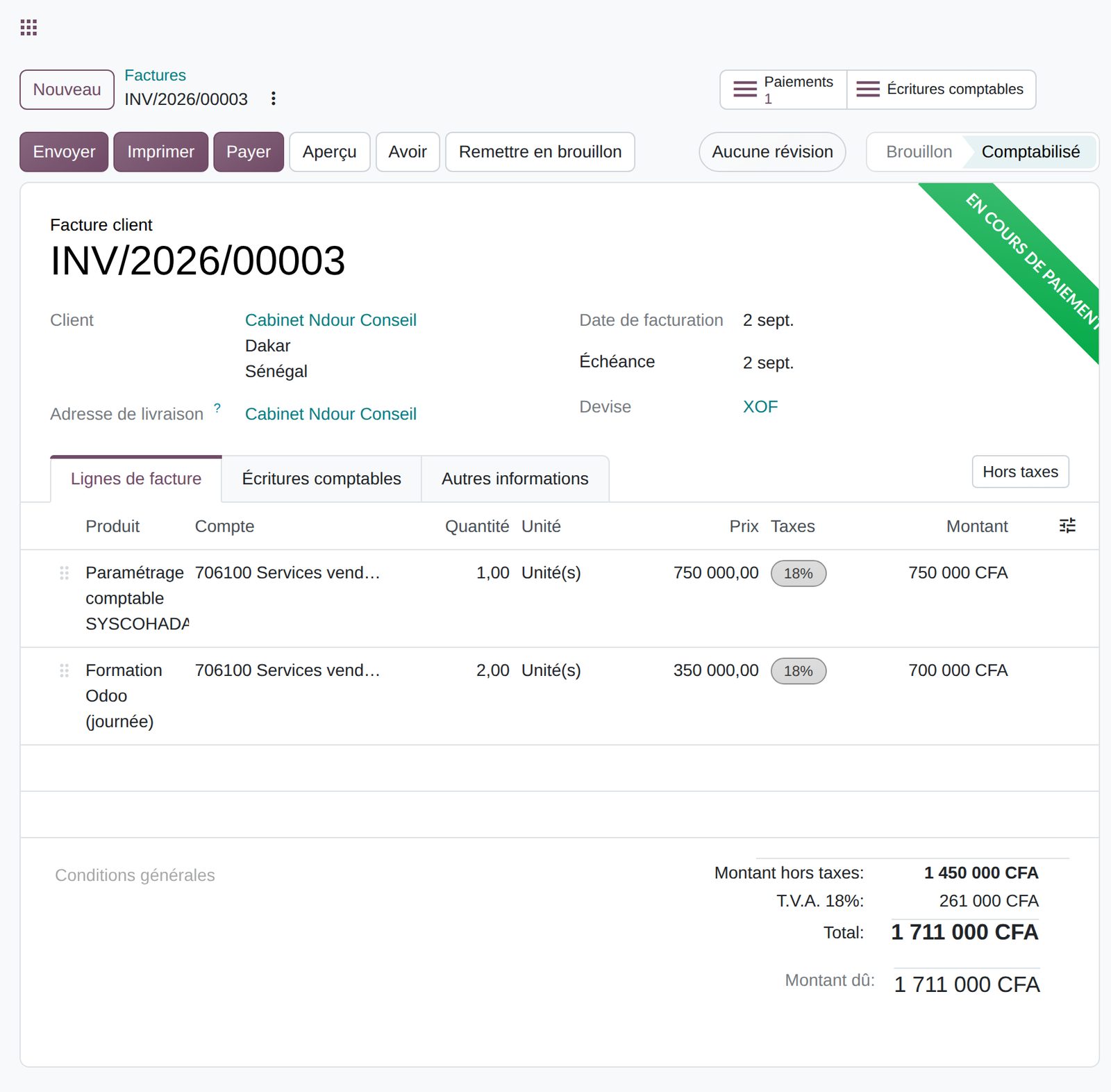
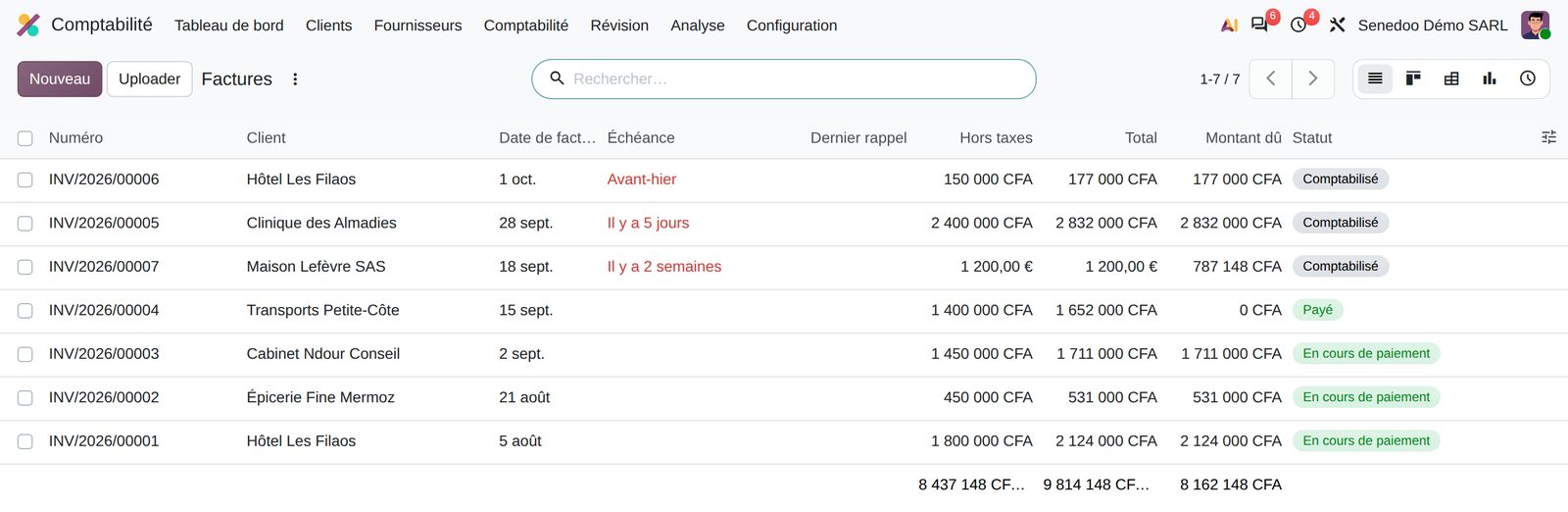
Create, send and collect customer invoices without re-keying, from quotation to payment.
What the Customer invoices app does.
Draft invoices created from the order, the delivery or the subscription: full, down payment or selected lines.
Immediate, 15 days, end of following month or several installments, with due dates computed automatically.
A discount granted when the customer pays early, with the gain or loss posted automatically.
Correct or cancel a posted invoice with a full or partial credit note, matched to the original invoice.
Email many invoices at once and find invoices not yet sent with a filter.
A Pay Now button on the customer portal, connected to the payment provider of your choice.
An option that prints the invoice total in words on the document.
Customizable number format and period, bulk resequencing and a warning on sequence gaps.
What Senedoo adds.
Apps that work with Customer invoices.
All Odoo accounting apps
Accounting kept by your operations.
An Odoo-certified consultant sets up your OHADA chart of accounts, migrates your history and installs the Senegalese returns.