
Dine-in, takeaway, delivery
Dine-in, takeaway or delivery: one mode per order, with its prices, its name or its address.
The cashier picks the mode in one tap. For takeaway, Odoo asks for the name and pick-up time; for delivery, the customer's address. The kitchen sees the mode on every ticket.
What the Dine-in, takeaway, delivery app does.
At a table on the floor plan or at the counter: the order is followed through to payment.
The customer's name and pick-up time; the kitchen ticket carries the name, the customer screen shows "ready".
The customer's address and phone, the delivery fee, the ticket for the rider.
Each mode can carry its price list and taxes: packaging charged for takeaway, a delivery rate.
Pick-up slots with a maximum number of orders: the kitchen is not swamped at noon.
At the table, the customer orders and pays from their phone; the order reaches the kitchen like any other.
A kiosk at the door: the customer builds the meal, pays, and gets a number.
A payment link for an order taken by phone or WhatsApp, paid before delivery.
In Odoo, at Sit n Dip, in Dakar.
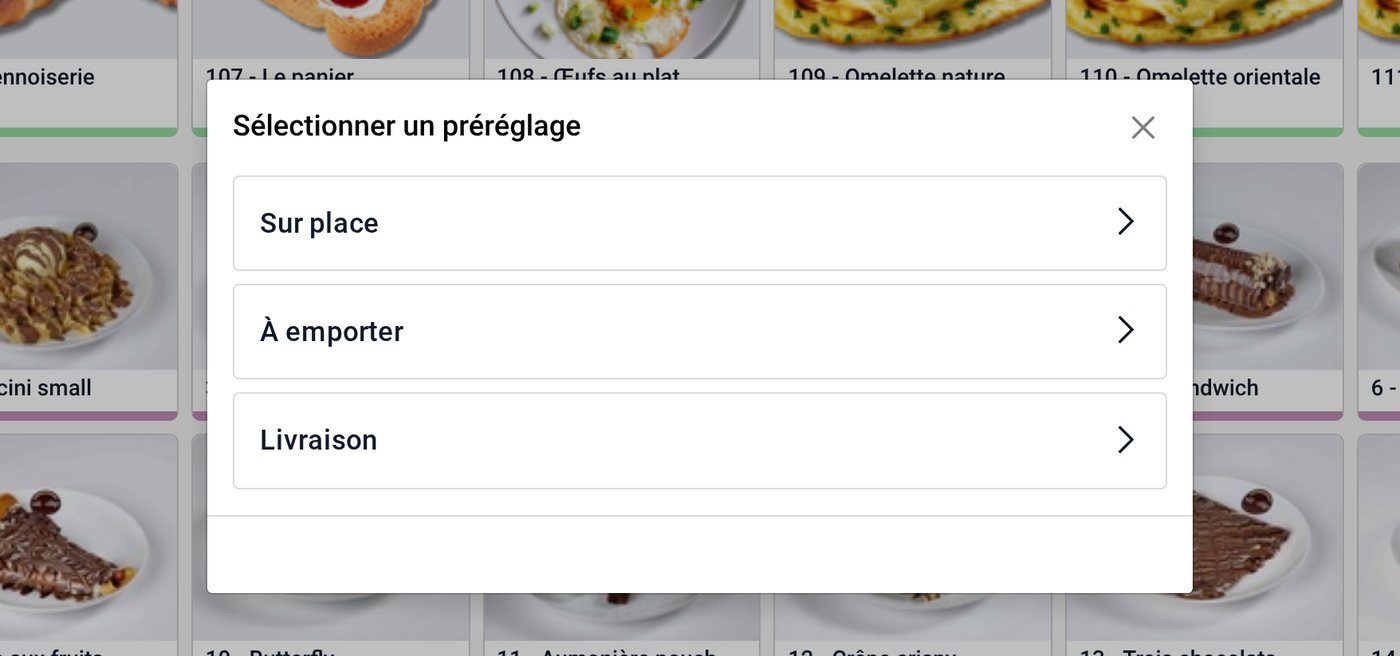
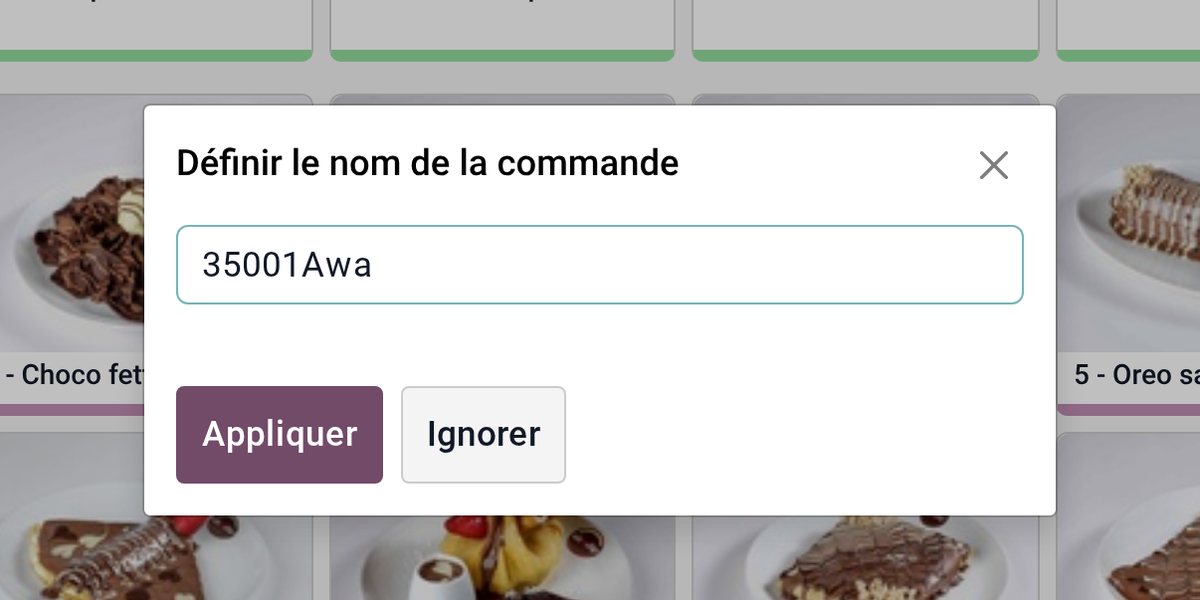
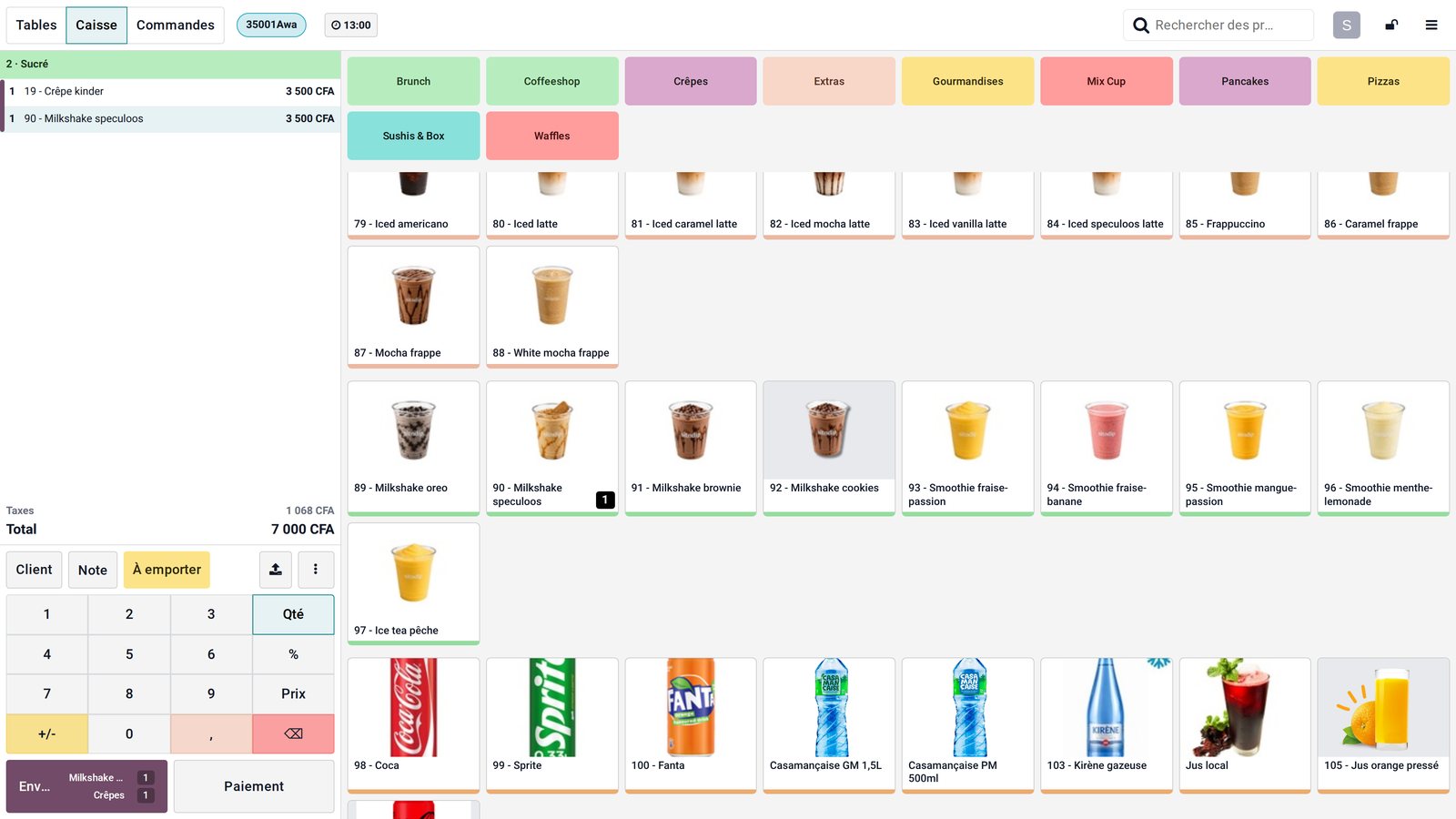
Screenshots taken on a training copy of the Sit n Dip database.
Three modes, three sets of rules
Fictitious set-up for a Dakar restaurant.
- A table on the floor plan
- Covers and courses
- Menu prices
- Split bill possible
- Customer name
- 15-min slot, 8 orders at most
- Packaging charged 200 F
- "Ready" on the counter screen
- Address and phone
- Plateau 1,000 F, Mermoz 1,500 F, Almadies 2,000 F
- Paid by Wave link before leaving
- Ticket for the rider
The settings that matter.
Dine-in for a brasserie, takeaway for a counter: the most frequent mode is preselected.
Plateau, Almadies, Ouakam…: a flat fee per area is better than a per-kilometre calculation.
A slot's capacity is set on what the kitchen really turns out in fifteen minutes.
We switch it on once the floor plan and menu run smoothly, never on day one.
What Senedoo adds.
Apps that work with Dine-in, takeaway, delivery.
All shop and restaurant apps
Your restaurant or shop in a single Odoo.
An Odoo-certified consultant visits your dining room and store room, loads your menu and recipes, runs a dry service with the team and stays on site on opening day.