
Attendance
Checking that your staff are there
Clock-in, badges, geolocation: attendance strategies and what each one is worth.
Translated from the French original. The screenshots show Odoo in French, as our Senegalese clients use it.
Introduction
It is sometimes important to check that staff really are on the premises — if only for insurance — and also to check whether absences were reported or justified.
In the same way, an employee's contract sets a number of hours to work each day and requires contractual hours to be kept. Where an agreement provides for overtime to be paid, a system that measures the extra hours automatically can be very useful indeed. But that can mean a tedious amount of data to compile day after day. Fortunately Odoo is there to save you time, by digitising and automating the capture and processing of your HR data.
In the end, that is all digital transformation is, isn't it?- Find systems that make capturing data easier, or that digitise documents automatically.
- Be able to process that digital data with a good ERP.
- Be able to use that database to make better decisions, through a dynamic, tailored dashboard.
Odoo's Attendances app
Odoo's Attendances app works like a time clock. It records staff arrivals and departures, works out the hours actually present and, where needed, passes them to Odoo's Payroll module so that shortfalls or overtime land on the payslips.
In Odoo you can manage both employees without a licence, who do not work in the system, and employees who have a licence and sign in with their own username and password.
Kiosk mode
Employees without a user licence can, for example, check in and out on a dedicated device in kiosk mode.
A kiosk is a self-service station where employees check in and out with a badge or an RFID key fob. These devices are usually dedicated kiosks, but any device with a web browser can be set up as one.
Staff check in at the kiosk with the badge created and printed from the Employees module. HR can give each employee a badge number and a PIN.
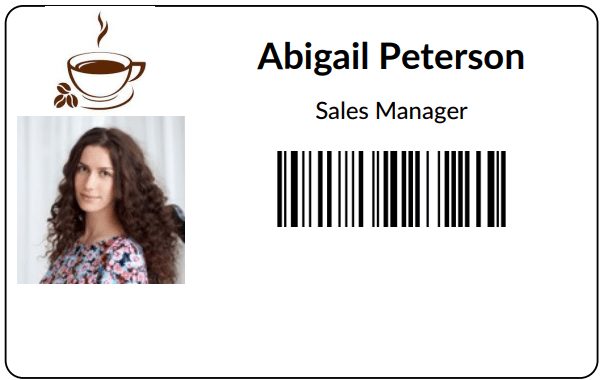
At the office entrance — on the security desk, say — you can use the following devices, which already have a camera to scan the badge barcode:
- Laptop or desktop computer
- Tablet
- Mobile phone (Android or iOS)

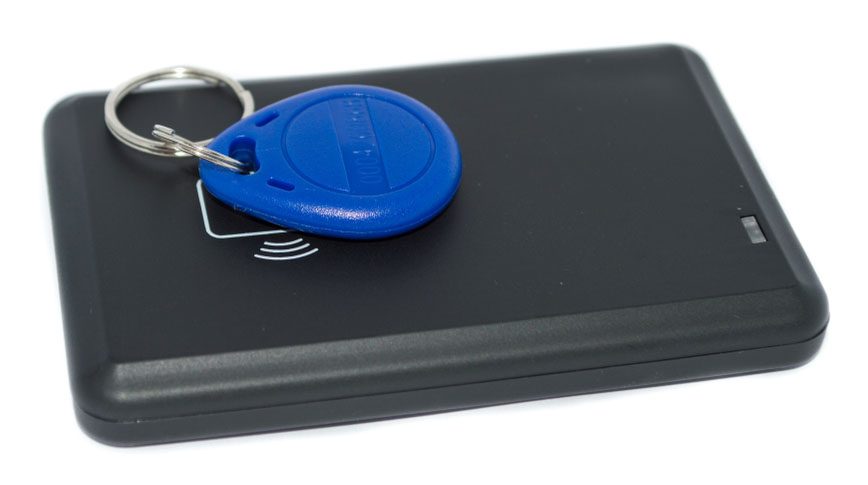
Another very inexpensive way to control access is the RFID reader: each employee is given a unique RFID fob and swipes it on the reader at the access point.
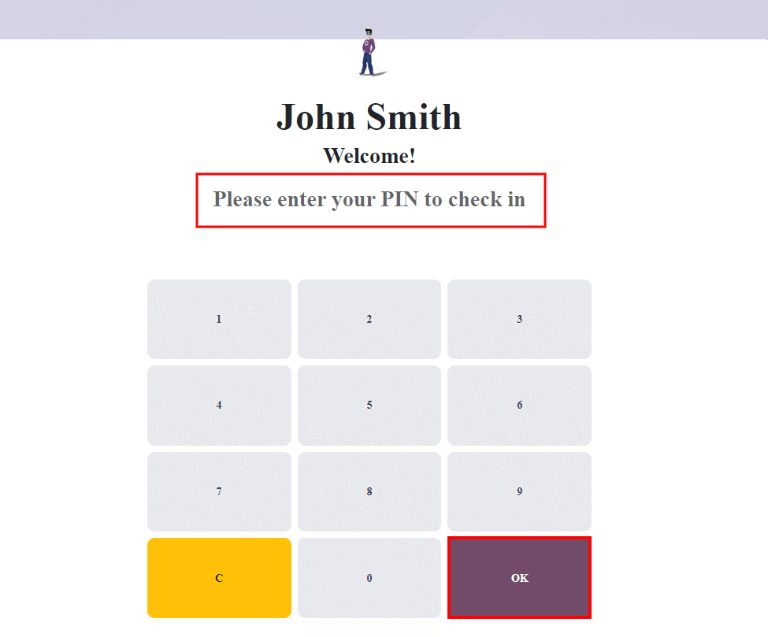
Kiosk mode also allows checking in with a PIN code, which can be changed easily. The employee types their PIN, which identifies them and records their arrival time.
These are the same identification systems as those used in the POS module, which handles counter sales in a shop or a showroom.
Reporting your presence from within Odoo
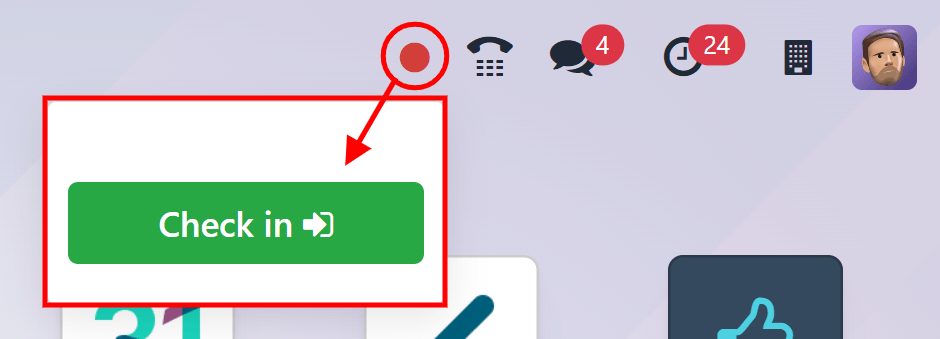
Users who have access to Odoo through a licence can also check in straight from the database on their own screen, once signed in to the working database with their username and password. The indicator stays green for as long as they are checked in, and red if they are not.
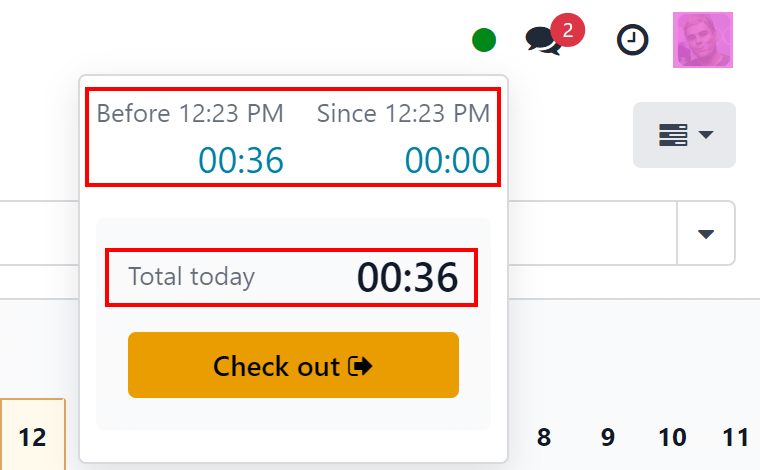
HR managers can then see at a glance who is available at any given moment, in real time, build attendance reports showing everyone's hours, and find out which employees worked overtime or left earlier than planned.
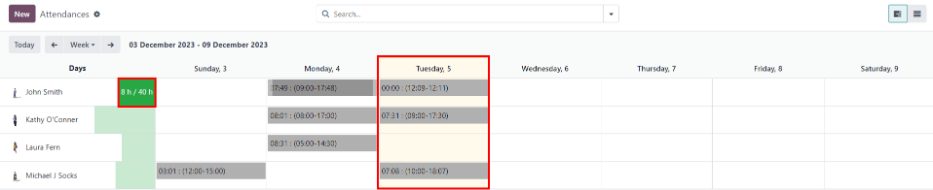
Odoo allows a tolerance on arrival and departure, which can be configured.
Example: a company sets both tolerance fields in minutes, and the whole company's working hours run from 9:00 to 17:00. If an employee checks in at 9:00 and leaves at 17:14, those extra 14 minutes are not counted as overtime.
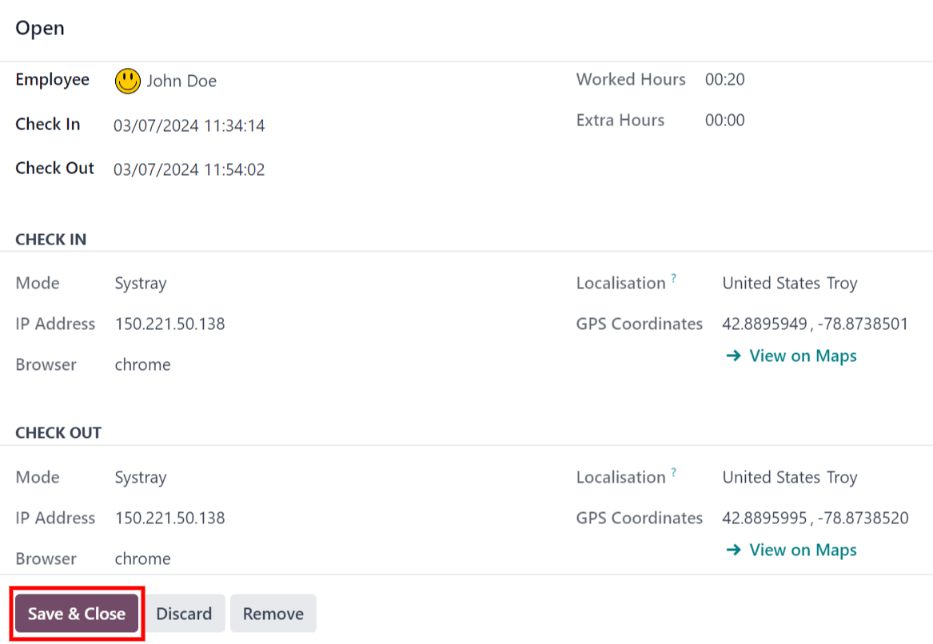
What the attendance record holds
Odoo captures various details of time and place when a user checks in and out. Exactly which ones depends on the method they used.
Main details
- Employee: the employee's name.
- Check in: the date and time the employee checked in.
- Check out: the date and time the employee checked out. This only appears once they have left.
- Worked hours: the total time recorded for the day, in hours and minutes (HH:MM). This adds up every check-in and check-out of the day, if the employee checked in and out several times.
- Extra hours: any hours recorded beyond the scheduled working time.

Check-in and check-out details
The following information is shown for both the check-in and the check-out.
- Mode: how the attendance information was collected. Systray appears when the employee checked in and out from the database itself; Manual appears when they used an attendance kiosk.
- IP address: the address of the computer the employee used to check in or out.
- Browser: the web browser they used.
- Localisation: the city and country tied to that IP address.
- GPS coordinates: the exact coordinates at check-in or check-out. To see them on a map, click the → View on Maps button under the coordinates. A map opens in a new browser tab with the location marked.
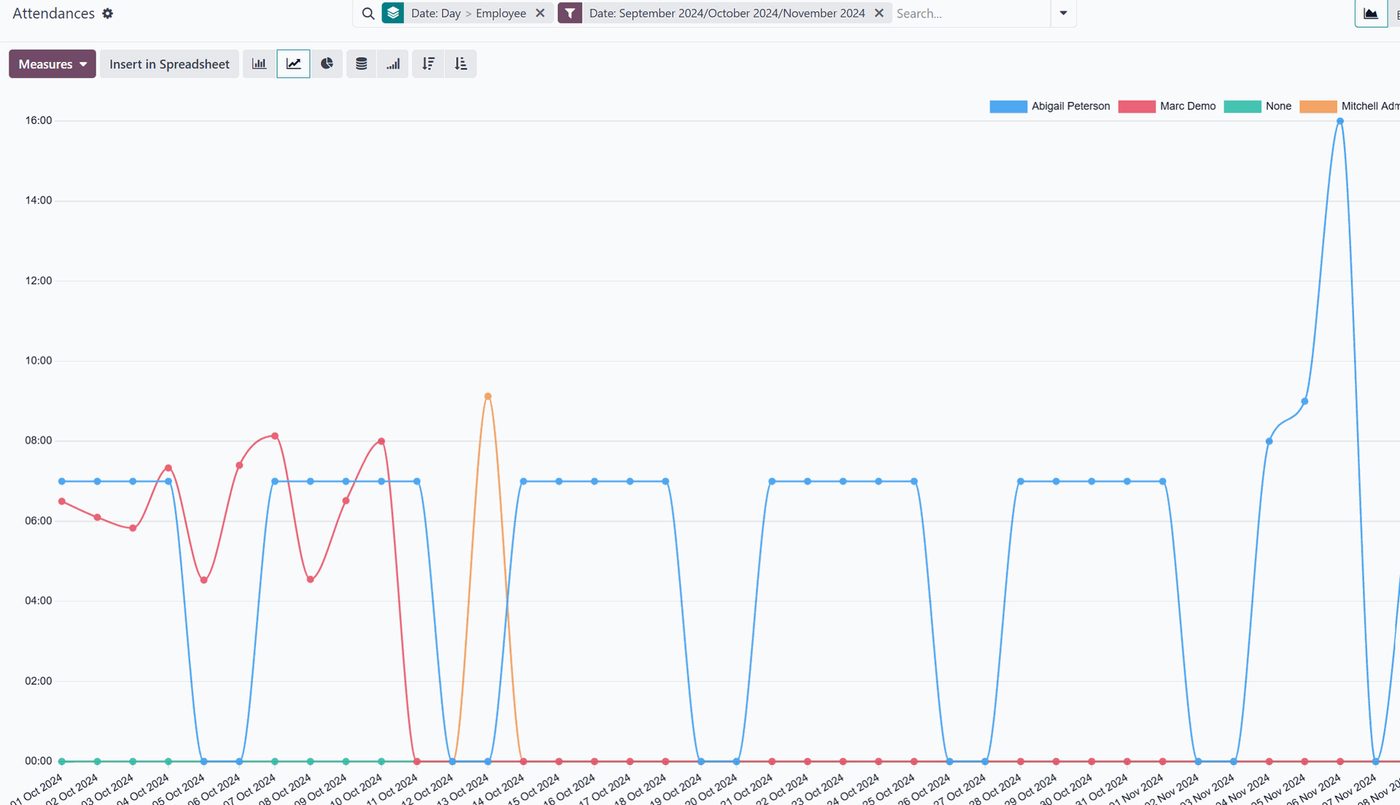
All of this can be read far more comfortably through the analysis menu, and turned into reports or exported.
And there you are.
In this tour of the Attendances module we have gone through the main features that make it worthwhile. As with every Odoo module, there is a great deal more — ways of talking to the other modules, and ways of fitting the various needs and situations organisations run into. The Attendances module can replace expensive, closed access-control systems to real advantage, while automatically feeding the HR department valuable data. It is a valuable analytical tool for managing human resources.
If you would like to know Odoo better, or if you are thinking of deploying this fine tool in your organisation, do get in touch with one of our experts using the "Get in touch" button at the top of this page.